
YouTube to MP3 Converter - Free, High Quality
Convert any YouTube video to MP3 at up to 320 kbps.
Searching...
How it works
How to Download Videos in 3 Easy Steps
Copy the Video URL
Copy the link from YouTube or TikTok
Paste in the Box Above
Paste the URL into our download box
Choose Format & Download
Select your preferred format and download
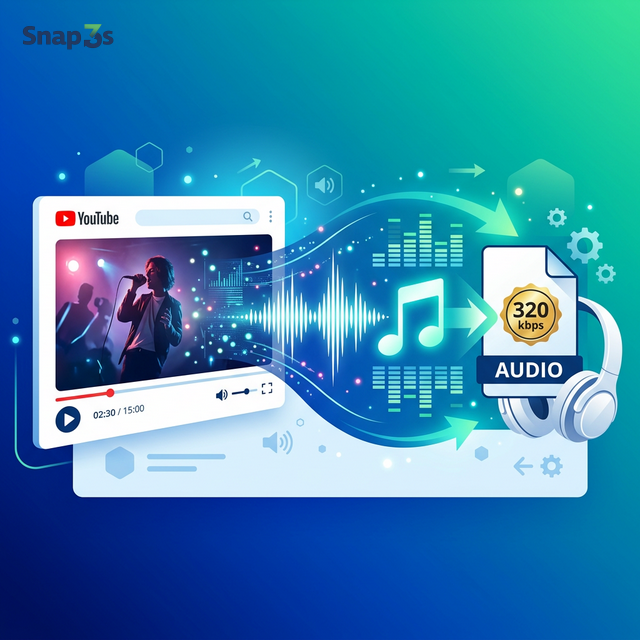
Convert YouTube Videos to MP3 — Free & High Quality
Snap3S converts any YouTube video to MP3 audio in seconds. Get clean, high-quality audio files at up to 320 kbps. Perfect for music, podcasts, interviews, and study material.
Audio Quality Options
- 320 kbps — best quality, ideal for music and hi-fi listening
- 256 kbps — excellent quality, smaller file size
- 128 kbps — standard quality, smallest file size for mobile storage
Snap3S always tries to extract the highest quality audio available from the source video.
How to Convert YouTube to MP3
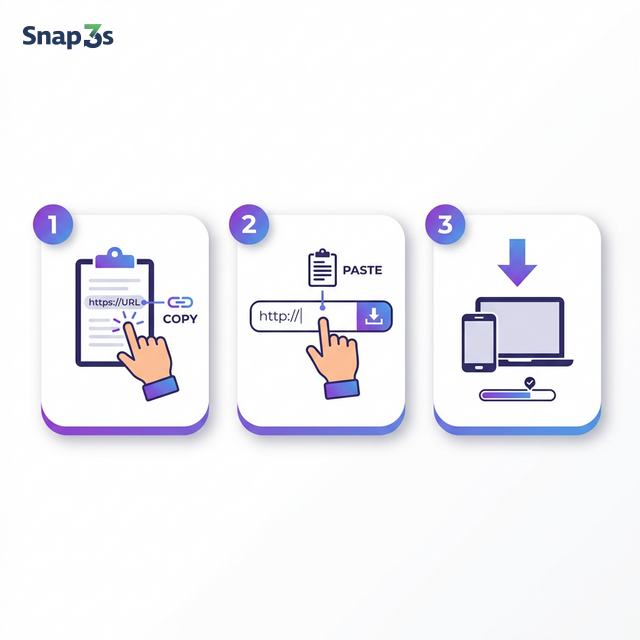
- Copy the YouTube link — open the video on YouTube, copy the URL from the address bar or tap Share → Copy Link.
- Paste it on Snap3S — drop the link into the search box above. You can also search by song title or artist name.
- Convert & download — click the MP3 button. Your audio file will be ready in seconds.
What Can You Convert to MP3?
- Music videos — extract the audio track from any song on YouTube
- Podcasts & interviews — save long-form audio for offline listening
- Lectures & tutorials — download educational content as audio files
- YouTube Shorts audio — extract sound from any Short clip
- Live recordings — save audio from live streams and concerts
Convert YouTube to MP3 on iPhone
Open YouTube, tap Share → Copy Link. Go to Snap3S.com in Safari. Paste the link and tap the MP3 button. The audio file saves to your Files app. Play it offline anytime — no streaming needed.
Convert YouTube to MP3 on Android
Copy the video link from the YouTube app. Open Chrome, visit Snap3S.com, paste the link, and tap MP3. The file downloads to your Downloads folder. Add it to your music library or any audio player.
Convert YouTube to MP3 on PC & Mac
Copy the video URL from your browser. Go to Snap3S.com, paste it, and click the MP3 button. The file downloads straight to your computer. Works in Chrome, Firefox, Edge, and Safari.
Search by Song Title
Don't have the YouTube link? Just type the song title, artist name, or keywords into the search box. Snap3S will show matching YouTube results. Click MP3 on any result to convert and download — no need to visit YouTube first.
YouTube to MP3 vs. Streaming
Streaming requires a constant internet connection and uses mobile data. With Snap3S, you download the MP3 file once and listen offline — anytime, anywhere. No buffering, no ads, no data usage.
Safe & Private
Snap3S runs entirely in your browser. No account required. No personal data collected. No software installed. Your downloads and listening habits stay completely private.
All conversions are for personal use only. Please respect artists and content creators' rights.
Why Choose Snap3S for YouTube to MP3
- Up to 320 kbps — highest audio quality available
- 100% free — no premium tier, no trial limits
- No login — convert instantly, no sign-up
- No app needed — works in your browser on any device
- Built-in search — find songs without leaving the page
- Fast conversion — most files are ready in under 30 seconds
Need the video file instead? Use our YouTube Video Downloader to save videos in HD and 4K.
Looking for TikTok downloads? Try our TikTok Video Downloader — no watermark.
FAQ