
Download YouTube Videos Free - HD, 4K, MP4
HD & 4K Quality
Searching...
How it works
How to Download Videos in 3 Easy Steps
Copy the Video URL
Copy the link from YouTube or TikTok
Paste in the Box Above
Paste the URL into our download box
Choose Format & Download
Select your preferred format and download
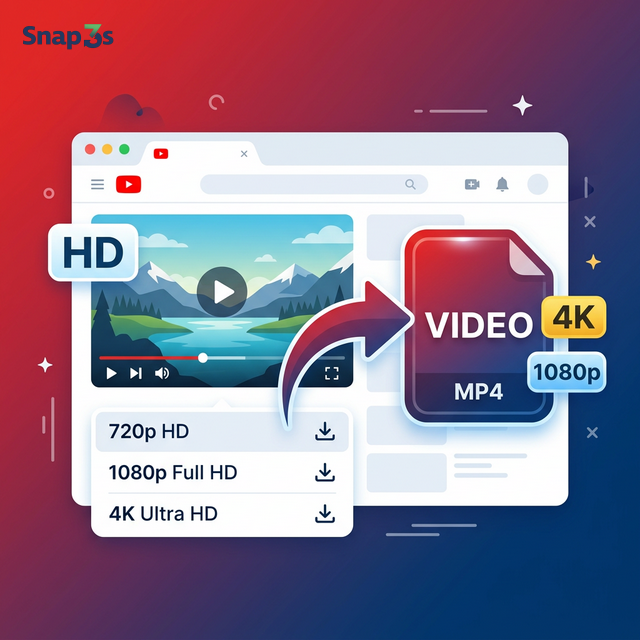
Download Any YouTube Video in HD — Free & Fast
Snap3S is a free online YouTube video downloader. Paste a YouTube link and save the video in HD, 1080p, or 4K quality. No software, no account, no limits.
Works with regular videos, YouTube Shorts, and long-form content. Your video is ready in seconds.
Supported YouTube Formats & Quality
- MP4 — 360p, 720p, 1080p, 4K — choose the quality that fits your needs
- YouTube Shorts — download vertical Shorts as regular MP4 files
- Long videos — save tutorials, lectures, and full-length content
- Original quality — no re-encoding, no resolution loss
How to Download YouTube Videos
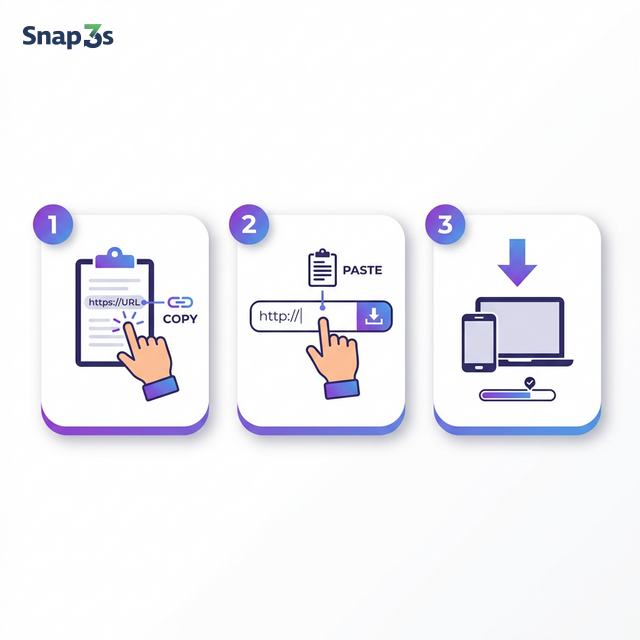
- Copy the YouTube URL — open the video on YouTube, copy the link from the address bar or tap Share → Copy Link.
- Paste it on Snap3S — paste the URL into the search box above. You can also search by video title or keyword.
- Choose format & download — select MP4 and your preferred quality, then click Download.
Download YouTube Shorts
YouTube Shorts are short vertical videos. With Snap3S, you can download any Short as a regular MP4 file. Just copy the Shorts link (it looks like youtube.com/shorts/VIDEO_ID) and paste it into the download box. Same speed, same quality.
Download YouTube Videos on iPhone
Open YouTube, tap Share → Copy Link. Then open Safari and go to Snap3S.com. Paste the link and tap Download. The video saves to your Files app. No app install required.
Download YouTube Videos on Android
Copy the video link from the YouTube app. Open Chrome, visit Snap3S.com, paste the link, and download. Your video will appear in the Downloads folder. Quick and easy.
Download YouTube Videos on PC & Mac
Copy the video URL from your browser's address bar. Go to Snap3S.com, paste the URL, and click Download. Works in Chrome, Firefox, Edge, and Safari. No extensions needed.
Search & Download — No Link Required
Don't have the link? No problem. Type a video title or keyword into the search box on Snap3S. Browse the results and download directly — without leaving the page.
Is It Safe to Download YouTube Videos?
Snap3S processes everything in your browser. We don't require a login, collect personal data, or install software on your device. Your downloads are private and secure.
Downloaded videos are for personal, offline use only. Please respect copyright and content creators' rights.
Why Snap3S for YouTube Downloads
- 100% free — no premium plans, no hidden costs
- No login — start downloading immediately
- No app or extension — works in any browser
- HD & 4K support — get the best available quality
- Built-in search — find videos by keyword, no link needed
- All devices — works on iPhone, Android, PC, Mac, Linux
Looking for audio only? Try our YouTube to MP3 Converter to extract music and audio at 320 kbps.
Need TikTok downloads? Use our TikTok Video Downloader — no watermark.
FAQ