
Download TikTok Videos
No Watermark
Processing video... Please wait.
How it works
How to Download Videos in 3 Easy Steps
Copy the Video URL
Copy the link from YouTube or TikTok
Paste in the Box Above
Paste the URL into our download box
Choose Format & Download
Select your preferred format and download
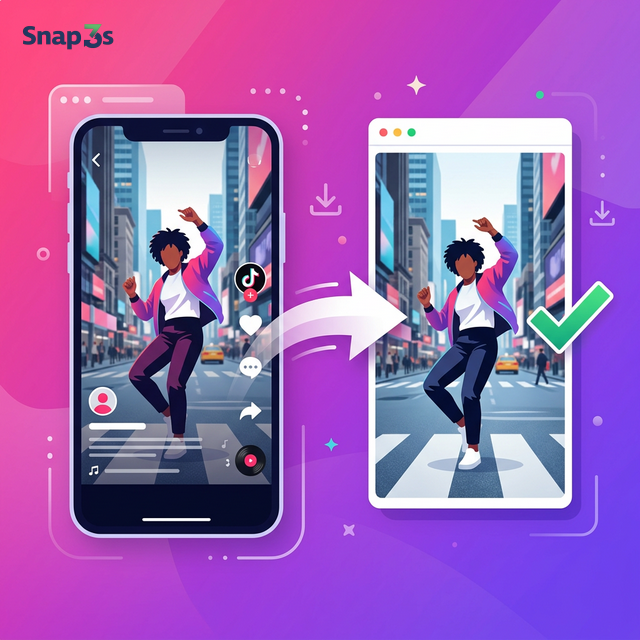
The Fastest Way to Save TikTok Videos — No Watermark
Snap3S lets you download any TikTok video without the watermark. Just paste a link and save. No sign-up, no app install, no limits.
Whether it's a viral clip, a recipe tutorial, or a slideshow post — Snap3S saves it to your device in seconds.
What You Can Download from TikTok
- Videos without watermark — clean MP4 files, no TikTok logo
- Slideshows & photo posts — save every image in original quality
- TikTok audio & music — extract the sound from any video
- HD quality — no compression, no quality loss
How to Download TikTok Videos
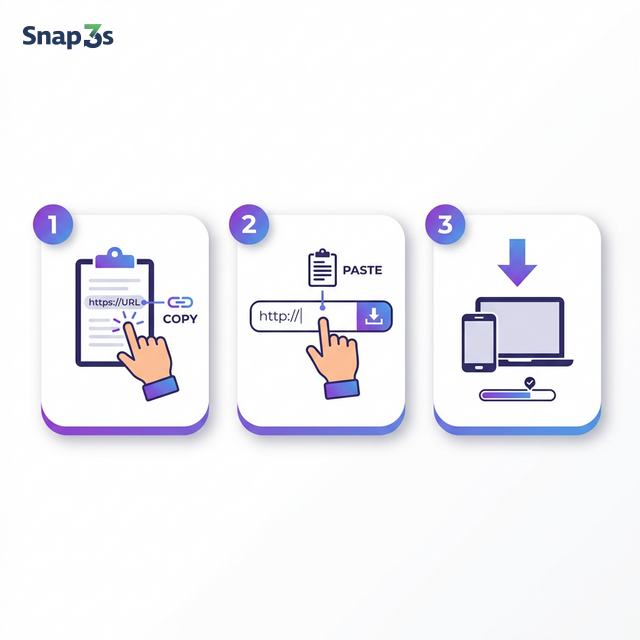
- Copy the TikTok link — open the video in TikTok app or browser, tap Share → Copy Link.
- Paste it on Snap3S — go to Snap3S.com and paste the link in the download box.
- Download — choose your format and tap Download. The file saves directly to your device.
Download TikTok on iPhone
Open TikTok, find the video you want, tap Share → Copy Link. Then open Safari, go to Snap3S.com, paste the link, and tap Download. The video saves to your Files app or Camera Roll.
No third-party app needed. Works in Safari and Chrome.
Download TikTok on Android
Same simple steps. Copy the TikTok link, open Chrome, go to Snap3S.com, paste and download. Your video will appear in the Downloads folder. Fast and straightforward.
Download TikTok on PC & Mac
Open TikTok in your browser, copy the video URL from the address bar, paste it into Snap3S, and click Download. Works on any desktop browser — Chrome, Firefox, Edge, Safari.
Save TikTok Slideshows & Photo Posts
TikTok slideshows contain multiple images set to music. Snap3S lets you save the full slideshow as a video, or download each image individually. Original quality, no compression.
Remove TikTok Watermark — How It Works
When you share a TikTok video normally, it includes a watermark with your username and the TikTok logo. Snap3S fetches the original video file from TikTok's servers — before the watermark is added. You get a clean, watermark-free file.
Is It Legal to Download TikTok Videos?
Downloading TikTok videos for personal use is generally allowed. However, do not re-upload someone else's content as your own. Always credit the original creator if you share downloaded content. Snap3S is designed for personal, offline use only.
Why Choose Snap3S for TikTok Downloads
- 100% free — no hidden fees, no premium plans
- No login needed — start downloading immediately
- No app to install — works entirely in your browser
- No download limits — save as many videos as you want
- Private & safe — we never store your data or track your activity
- Works everywhere — iPhone, Android, Windows, Mac, Linux
FAQ