TikTok & YouTube Video Downloader
Save TikTok videos without watermark, download YouTube in HD & MP3
Processing video... Please wait.
How it works
How to Download Videos in 3 Easy Steps
Copy the Video URL
Copy the link from YouTube or TikTok
Paste in the Box Above
Paste the URL into our download box
Choose Format & Download
Select your preferred format and download
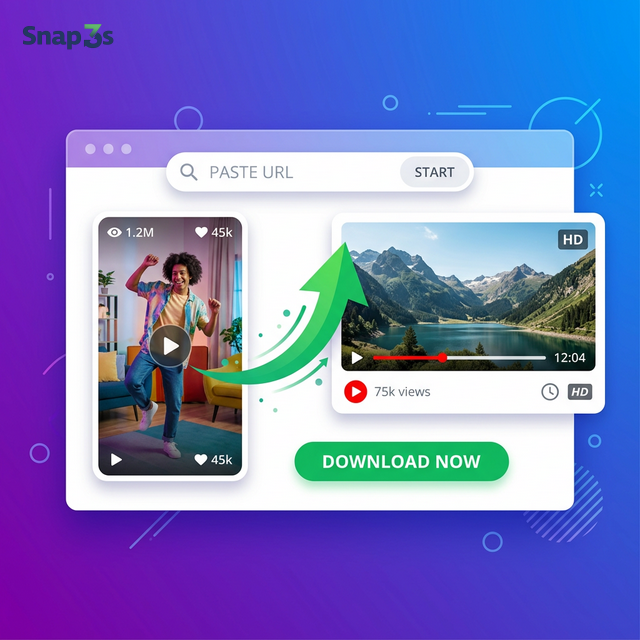
Download TikTok Videos Without Watermark — Instantly
Snap3S is the easiest way to save TikTok videos to your device. No watermark. No login. No app to install. Just paste a TikTok link and download in seconds.
Why Snap3S Is the Best TikTok Downloader
- No watermark — get a clean video without the TikTok logo
- Save slideshows & photo posts — not just videos
- Download TikTok audio — extract the sound from any clip
- No limits — download as many videos as you want
- Works on any device — iPhone, Android, PC, tablet
How to Download TikTok Videos
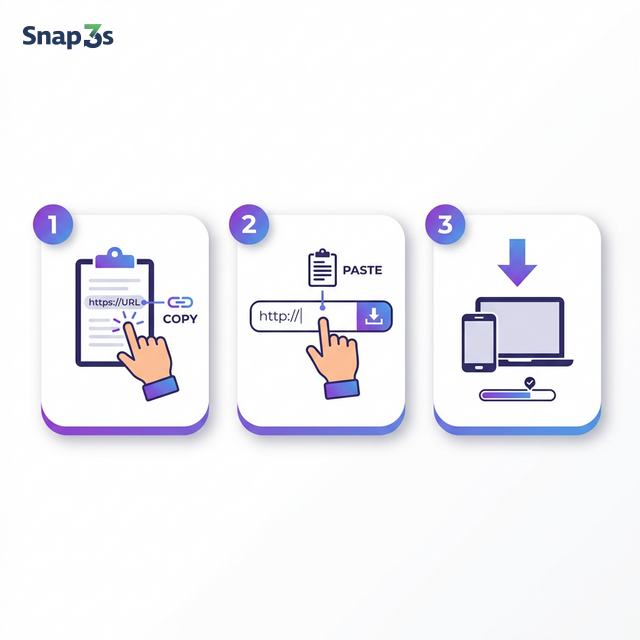
- Copy the TikTok link — open the video, tap Share → Copy Link.
- Paste it on Snap3S — drop the link into the download box above.
- Download — tap the download button and save the file to your device.
It takes less than 10 seconds. No sign-up required.
Save TikTok Slideshows & Images
Snap3S supports more than just TikTok videos. You can also save slideshow posts and individual images. Every file is downloaded in the original quality — no compression.
Download TikTok Videos on iPhone & Android
No app needed. Open Snap3S in Safari or Chrome, paste your link, and save. It works the same way on every device. Your downloads stay private — we never ask for personal information.
YouTube Downloader & MP3 Converter
Snap3S also supports YouTube. Download videos in HD or convert them to MP3 — all for free.
- Save YouTube videos in MP4 up to 4K resolution
- Convert YouTube to MP3 at 320 kbps
- Support for Shorts, long videos & playlists
YouTube Video Downloader — save any YouTube video in HD.
YouTube to MP3 Converter — extract audio from YouTube for free.
Safe, Free & Private
Snap3S is completely free. We don't require registration, install software, or store your data. All downloads are processed in your browser and stay between you and your device.
All downloads are for personal use only. Please respect content creators' rights.
FAQ